

















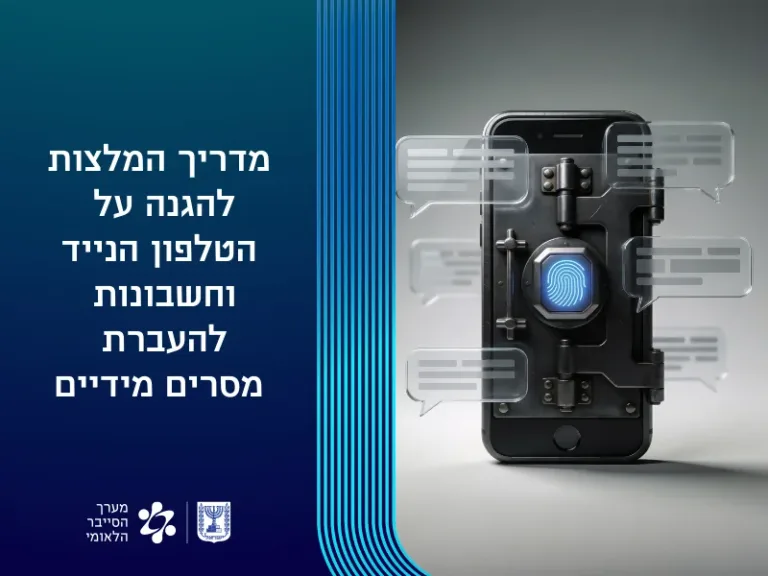
Protecting personal and organizational information requires the implementation of several complementary security layers: the device itself, messaging accounts, the device’s main account, and protection against social engineering attempts.
Here are some simple recommendations:
1. Security recommendations for the mobile phone (the device itself)
- Enable screen lock – using biometric identification (fingerprint / face recognition) combined with a strong and unpredictable code.
- Enable automatic backup – (Google / iCloud) Set automatic locking, verify two-factor authentication is enabled for the device’s main account (Apple ID on iPhones and Google account on Android devices).
- Regular updates – for the operating system and applications, and install only from official stores.
- Revoke app permissions – Periodically check and revoke permissions that are not required for apps: location, camera, microphone, contacts, files, and system services.
2. Security recommendations for Telegram account
- Two-factor authentication – Enable two-factor authentication with an additional permanent password besides the received code.
Path: In Telegram: Settings ← Privacy and Security ← Two-Step Verification
- Disable voicemail – if not in use, or change the login code for retrieving messages from voicemail.
- Set up an email address – for account recovery.
- Check connected devices – Periodically check and disconnect unknown devices.
- Path: In Telegram: Settings ← Privacy and Security ← Devices
- Enable app lock – using a code or biometric identification.
For more information, click here
3. Security recommendations for WhatsApp account
- Two-step verification – Add an additional permanent code to the code received via SMS.
Path: In WhatsApp: Settings ← Account ← Two-Step Verification
- Set up an email address – for account recovery.
Path: In WhatsApp: Settings ← Account ← Email address.
- Disable voicemail – if not in use, or change the entry code for the answering machine.
- Check and disconnect – linked devices.
Path: In WhatsApp: Three dots ← Linked devices.
- Disconnect WhatsApp Web at the end of the day.
- App lock – using biometric identification.
- Limit the ability to add to groups to contacts only.
Path: In WhatsApp: Settings ← Groups ← My Contacts.
For more information, click here
4. Security recommendations for Google / iCloud account
- Use a strong and unique password and enable two-factor authentication (preferably authentication via Authenticator). Google Account – Settings – Security and Sign-in
- Periodically check connected devices and unusual activity.
- Enable security alerts for the account.
- Manage and control authorization of third-party applications.
- Reduce location sharing and turn off location services that are not needed.
Path for all settings: Google Account ← Settings ← Security and Sign-in.
For more information, click here
5. Recommendations for protection against social engineering
- Be suspicious of urgent, unusual, or threatening messages.
- Avoid clicking on unverified links, files, and QR codes.
- Do not provide verification codes, passwords, or personal details to any party.
- Verify unusual requests through an additional communication channel.
- Report suspicious attempts to the authorized organizational body.
For more information, click here
Usage Recommendations (Do’s)
A. Routine check of connected devices and account logins.
B. Log out of Web interfaces after use.
C. Use strong and different passwords for each service.
D. Regular updates of systems and applications.
E. Regular data backup.
Don’ts
A. Do not transfer verification codes or one-time codes to others.
B. Do not click on suspicious links, even if sent by known contacts.
C. Do not scan QR codes from an unverified source.
D. Do not use the organizational email address for private purposes.
E. Do not ignore security alerts.
Related Topics